Pitch-Perfect Speed Control
Slow any song from 25% to 200% without changing the pitch. Hear every note clearly, no matter how fast the original recording.
AudioTweak slows down any song, shifts the pitch, and loops the hard parts — so you can master music at your own pace, on your own terms.
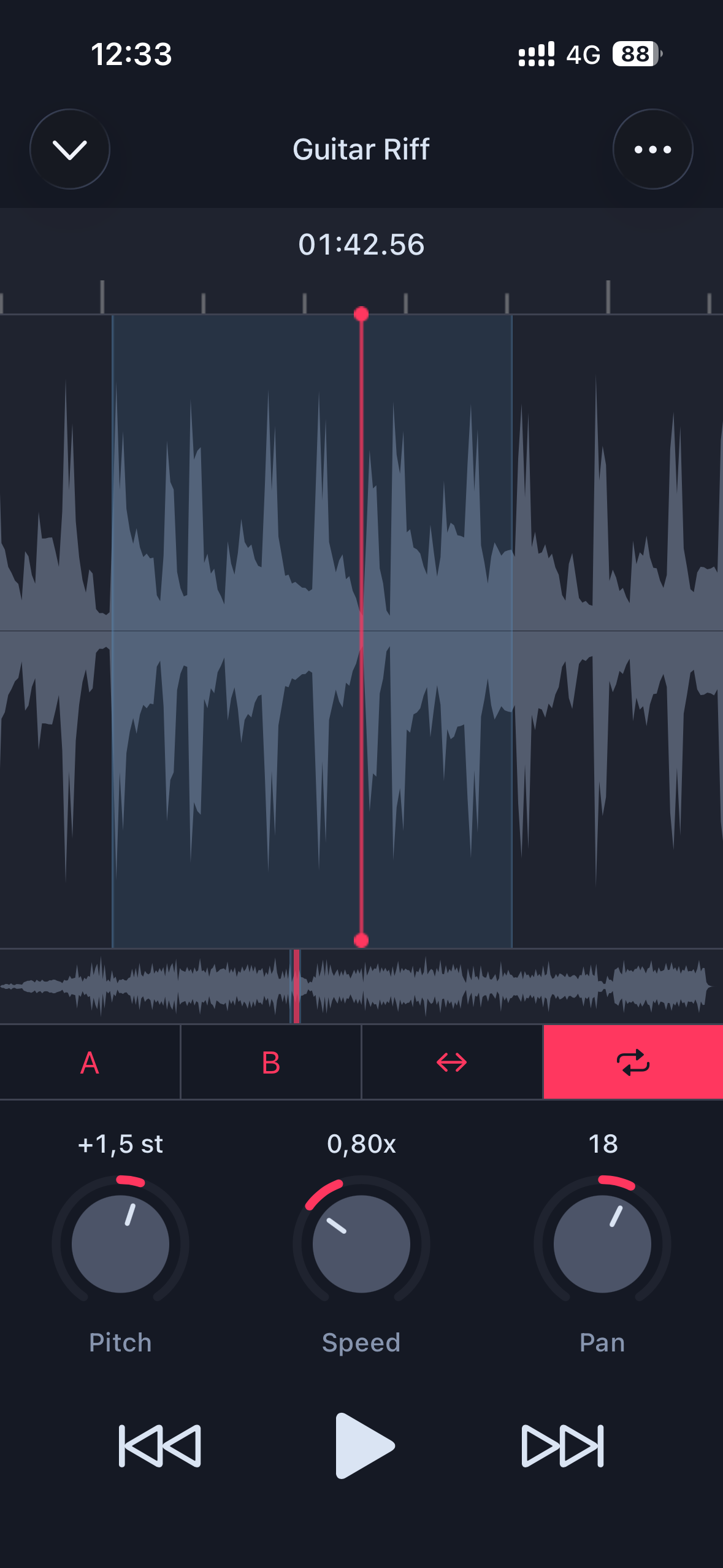
Slow any song down to a crawl, shift it to any key, and loop the exact bars you need — all without touching the original audio quality. Practice at your pace, not the artist's.
Try It FreeBuilt for musicians who want precision, not complexity.
Slow any song from 25% to 200% without changing the pitch. Hear every note clearly, no matter how fast the original recording.
Transpose any track up or down by up to two full octaves. Match the key to your voice, your guitar tuning, or your transposing instrument — instantly.
Set a loop start and end point with a single tap. Repeat the exact passage you need until it's locked in muscle memory.
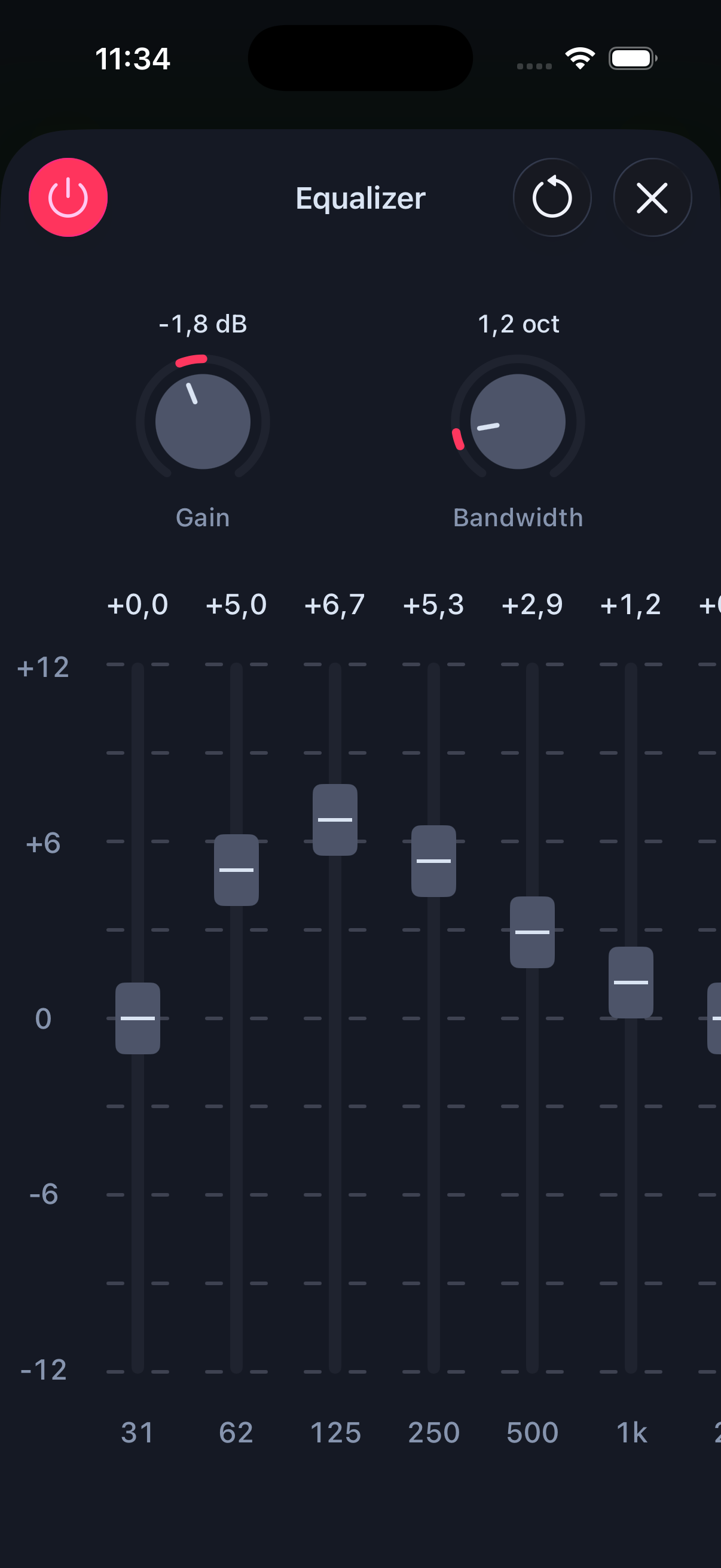
Cut through the mix and isolate the part you're learning. Boost the bass line, reduce the mud, or carve out the melody with studio-grade EQ. (Pro)
Never miss your entrance. A rhythmic count-in syncs you to the tempo before playback begins — great for looped practice with a backing track. (Pro)
Save your adjusted loops as MP4, WAV, or CAF files. Export your practice session and pick up right where you left off. (Pro)
No setup. No accounts. Just open the app and start practicing.
Slow any track down to 25% or speed it up to 200% without changing the pitch. Transpose the key by up to 24 semitones to match your instrument or voice — all adjustable while the track plays.
Tap A and B to mark any region on the waveform. AudioTweak repeats that exact passage automatically — so you can drill hands-free without ever losing your place.
The built-in 10-band EQ lets you isolate exactly what you need to hear. Boost the bass line, cut the muddy mids, or carve out a lead melody — full control over the mix.
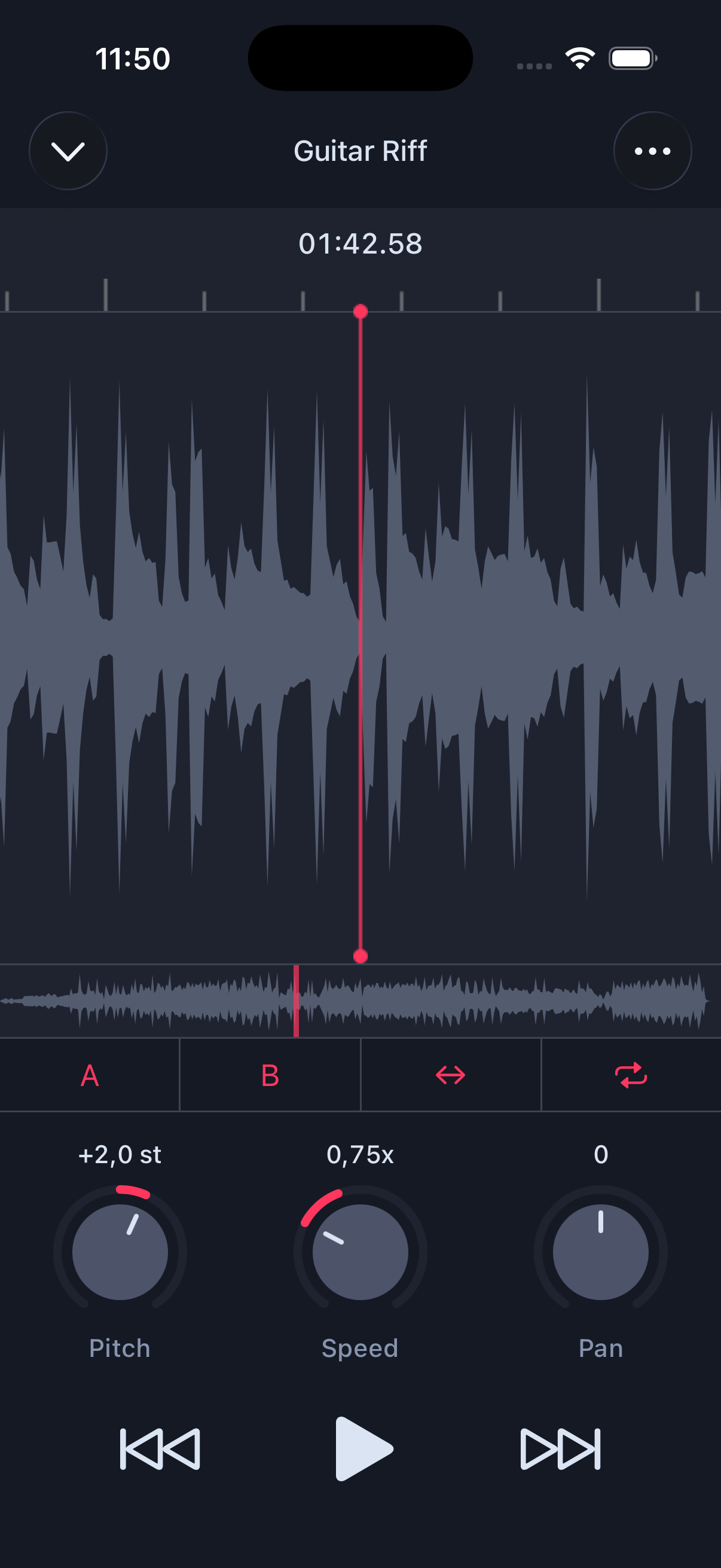
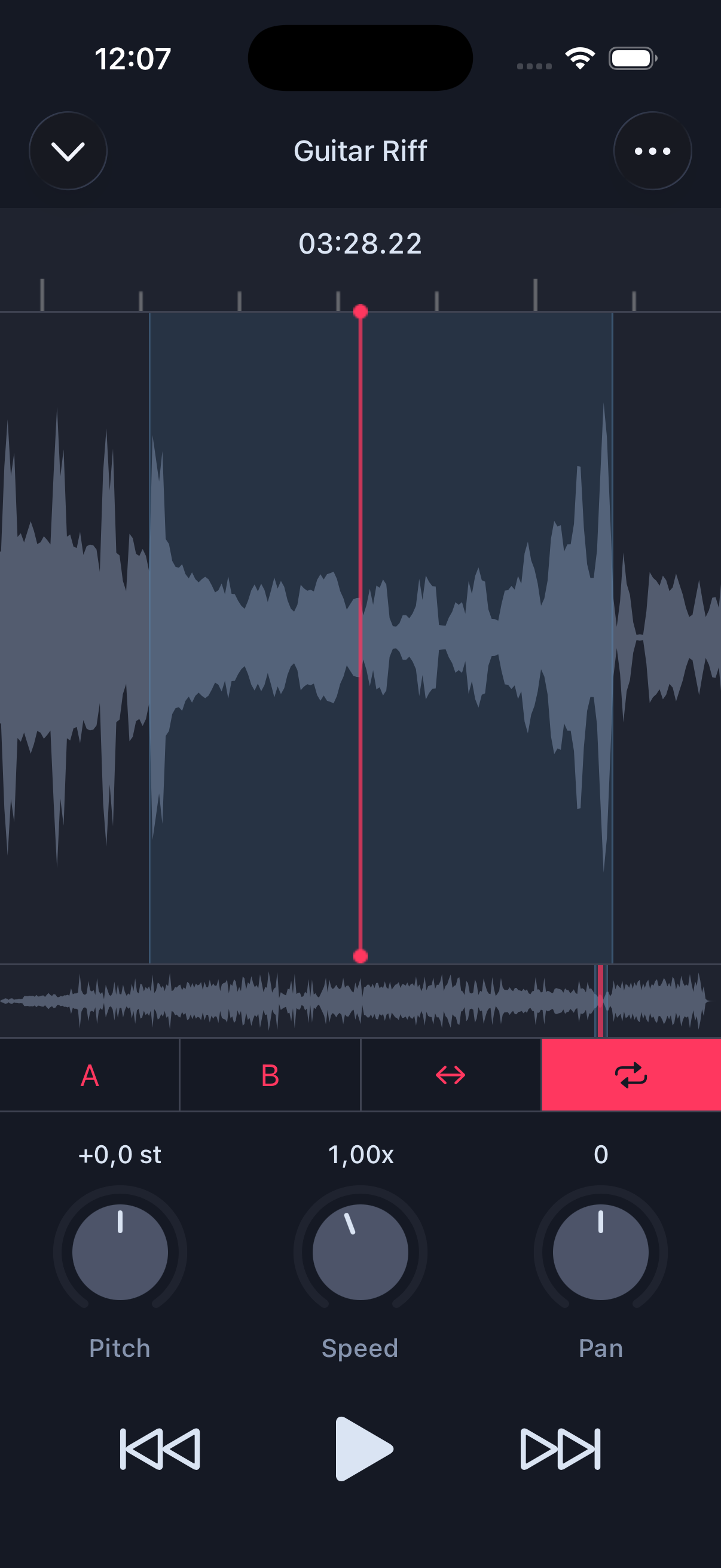
Learning a difficult passage? Slow it to 50%, loop the tricky bars, and drill until it's automatic. Then gradually bring the speed back up to tempo. Used by guitarists, pianists, drummers, brass players, and more.
Native speakers talk fast. AudioTweak slows down songs, podcasts, and dialogue without distorting the audio — so you can catch every word and improve your listening comprehension naturally.
Analyze song structure, detect BPM patterns, shift pitch for mixing compatibility, and export clean loops for your sets and productions — all from your phone.
Terrific app for all levels
"This app has been essential to me in learning how to play jazz trumpet. East to slow down songs yo better hear notes, create your own loops of song parts you want to focus on, and change pitch for song you want to play but don't yet have the range to play."
Exactly what I needed!
"This EXCELLENT software is a value tool for learning music. The interface is excellent. Runs flawlessly on my iPad. I can slow down faster music and maintain proper pitch. This allows me to learn music more accurately. Thank you!"
Fantastic Tool
"This works great when finishing a project, bouncing it and sending it to yourself. It catalogs your projects and allows for easy playback. Works perfect. Excellent app!"
Yes. The core features — speed control, pitch shifting, and A/B looping, pan control — are completely free. The free version supports up to 3 projects at a time. A Pro upgrade removes this limit and unlocks additional features.
You can import audio from your music library, iCloud, other apps, or even extract audio from videos in your device's photo library.
Pro unlocks everything beyond the core free features:
Available as either a one-time purchase or a subscription.
No. AudioTweak uses high-quality time-stretching algorithms that preserve both pitch and audio clarity at any playback speed — from 25% all the way to 200%. You'll hear every note cleanly whether you're crawling or flying.
No. Streaming services use DRM protection that prevents third-party apps from accessing their audio. You'll need non-DRM audio files — for example, tracks purchased from the iTunes Store, imported from your own library, or stored in iCloud Drive.
Yes. Each track you import becomes a project with its own settings — loop points, speed, pitch, and EQ are all saved automatically. Just open the app and pick up where you left off.
YouTube's speed control changes pitch along with tempo, resulting in unnatural-sounding audio. It also doesn't support A/B looping, pitch shifting, or EQ. AudioTweak gives you studio-grade control with pitch-preserved time-stretching and frame-accurate looping — purpose-built for practice, not casual playback.
Stop fighting recordings that move too fast. Download AudioTweak free and start practicing smarter today.

Free to download · iPhone & iPad · No account required